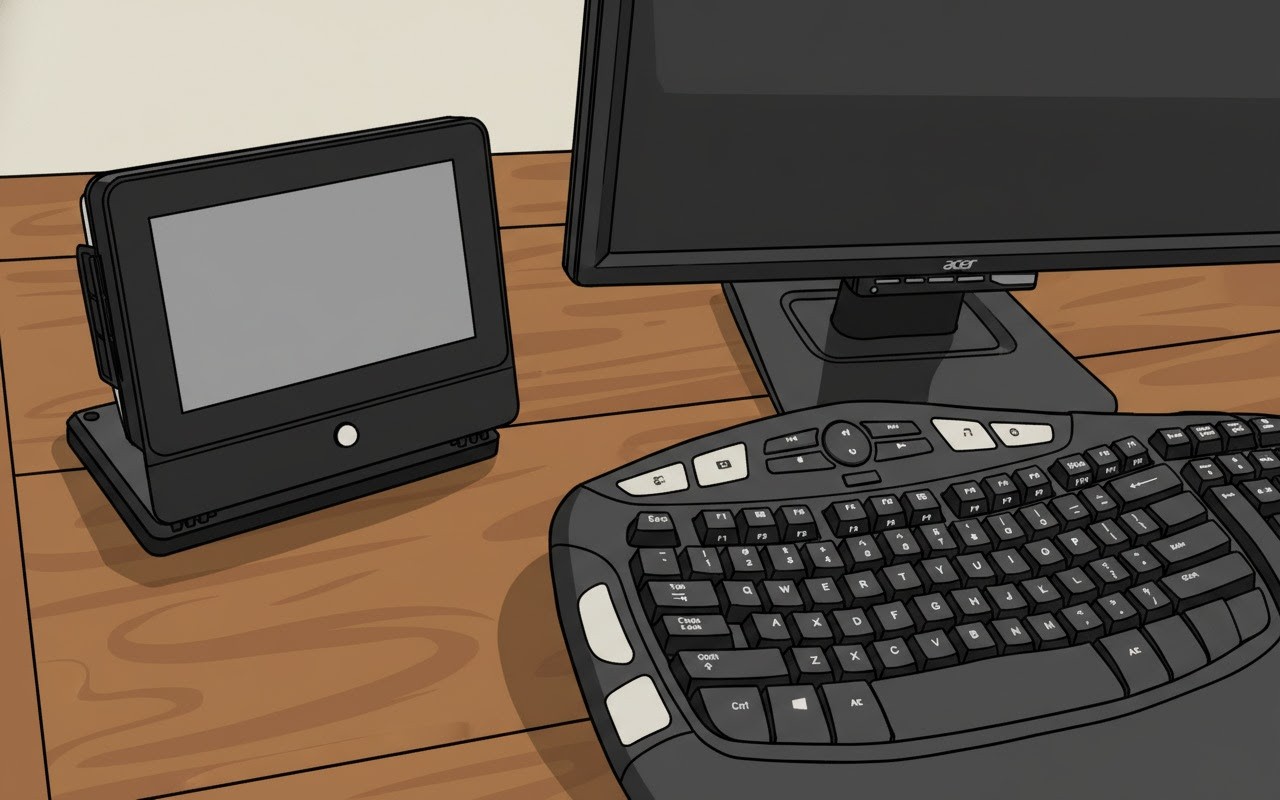
One touch. Every device in the room.
Simple, reliable control for classrooms and offices, set up in your browser with no expensive custom programming.
Escape expensive, closed media systems.
Controllers start at $330 with prices published online. No dealer quote, no sales call.
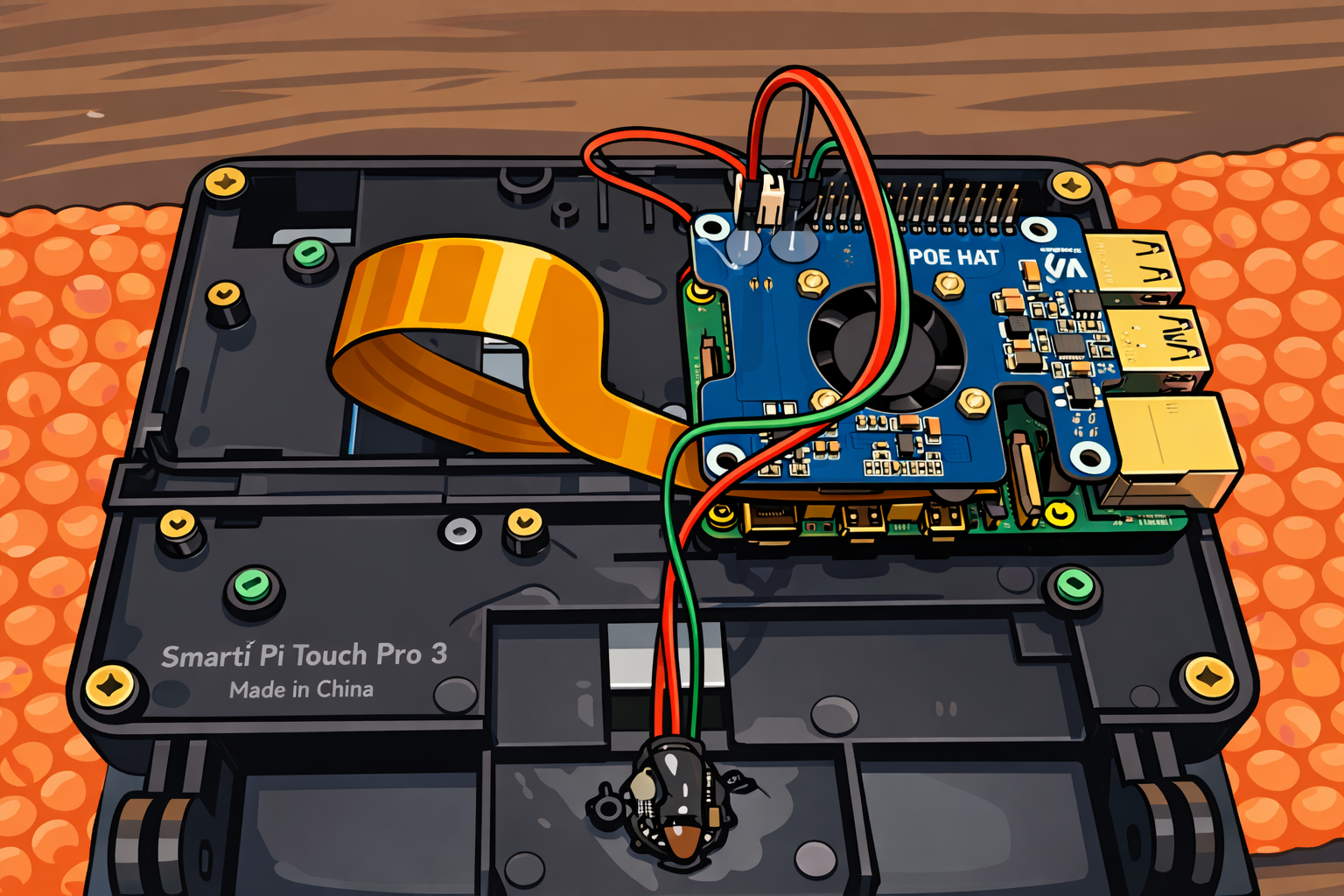
Built on parts you can actually get.
Raspberry Pi 5 inside, powered over Ethernet, and in production through at least 2036.
An AV control that is simple to buy, simple to build, simple to live with.
The OTS Media Controller replaces a drawer full of remotes with one touchscreen. OTS Command is the web tool that sets it up.
One touch, many commands
Macros run a whole sequence from a single button: power on the display, set the volume, switch the input. If/then conditions handle the exceptions.
No lock-in
Vendor-agnostic and built on standard, widely available parts. Control the devices you already own and swap gear later without starting over.
Configure in your browser
OTS Command comes with a library of devices already defined, so your own AV or IT staff can build a room without writing code.
Pricing you can read
Hardware and subscription prices are on the website. Your controllers keep working if you ever stop subscribing.
A clean touchscreen your users will not need training for.
Big, clearly labelled buttons. One page per task. Everything a teacher or presenter needs, nothing they don't.
- Up to 15 buttons per page and 3 tabs (45 buttons)
- Volume slider with live feedback
- Desktop or wall-mount versions, powered by PoE
- Optional motion sensor for room-aware automation
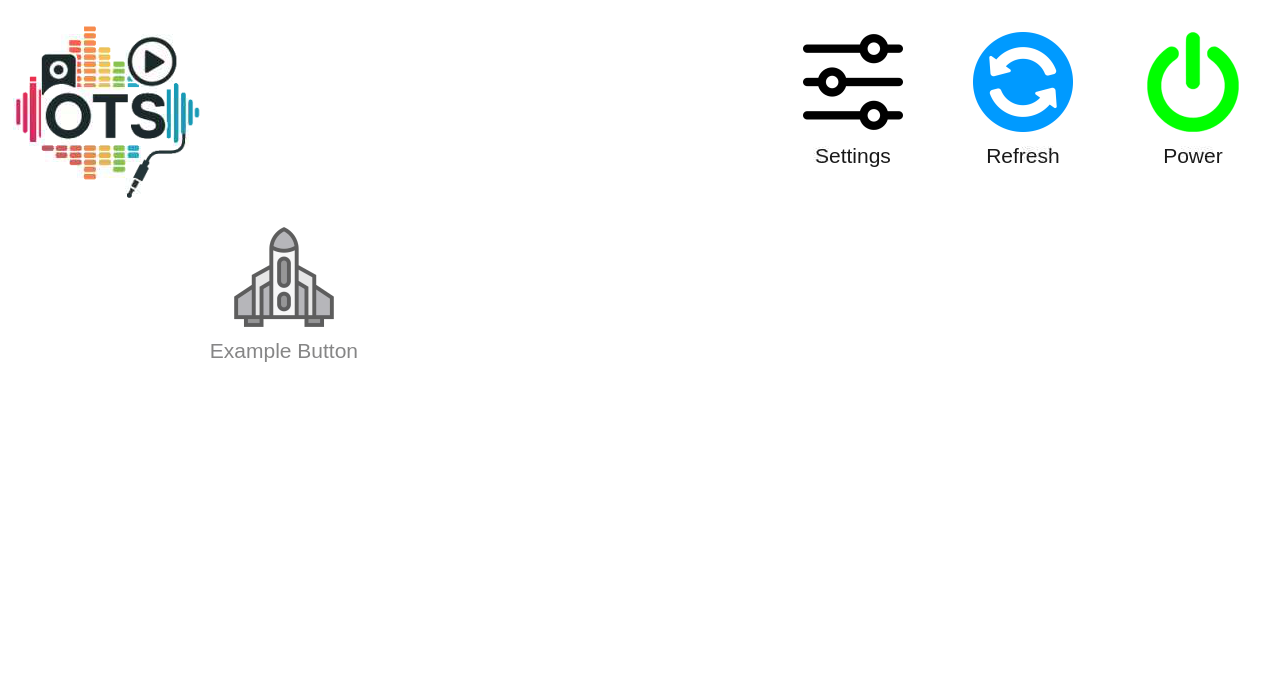

From box to working room in three steps.
Choose your controller
Pick a desktop or wall-mount controller in the shop. Each one arrives ready to join your network.
Build the room in OTS Command
Add your displays, projectors, audio and more from the device library, then create the buttons and macros your users need.
Mount it and go
Power it over Ethernet, mount it, and you are done. Update and manage every room remotely over an encrypted connection.
Everything a classroom or conference room needs.
Macros and conditions
Run many commands from one button, with if-true / if-false logic.
Multi-device control
Works with network (TCP/IP) controlled devices that have published control libraries.
Secure remote access
Web-based remote access encrypted with TLS, plus remote updates.
Air-gap friendly
Runs on closed networks with no internet once programmed.
Usage reporting API
See which technology your users actually reach for.
Readable configuration
Easy-to-understand XML configurations you can keep and audit.
OTS vs. Crestron and Extron for classrooms and offices.
Crestron and Extron build excellent, powerful systems. For a typical classroom or meeting room, though, you may be paying for far more than you need.
| Feature | OTS Command | Crestron | Extron |
|---|---|---|---|
| Hardware per room | $330 One controller with the touchscreen built in. Price published online. |
About $4,000+ 7″ TSW-770 touch screen (about $2,000) plus a CP4 control processor (about $2,200) at US reseller list prices. |
Quote-based Typically a TouchLink Pro touchpanel plus an IP Link Pro control processor. Pricing is not published. |
| How a room gets set up | In a browser OTS Command with a built-in device library. Your own staff can do it. |
Proprietary programming SIMPL / SIMPL# programming, usually done by a certified programmer or dealer. |
Configuration software + training Global Configurator. Extron offers a certification path, and its advanced mode requires certification. |
| How you buy | Online shop Published hardware and subscription prices. |
Authorized dealers Purchased through a dealer or integrator. |
Authorized resellers Purchased through resellers, typically by quote. |
| Ongoing cost | $160 / controller / year Optional. Hardware keeps running if you do not renew. |
Not published Quote-based. |
Not published Quote-based. |
| Hardware platform | Standard parts Raspberry Pi 5, PoE. In production through at least 2036. |
Proprietary | Proprietary |
| Devices it can control | Network (TCP/IP) devices Any vendor with a published control library. |
Very broad Network plus serial, IR, relay and I/O control ports. |
Very broad Network plus serial, IR, relay and I/O control ports. |
| Best fit | Classrooms, meeting rooms, huddle spaces, small offices Straightforward one-touch control at many rooms. |
Large enterprise and campus projects Complex, custom, deeply integrated systems. |
Larger mixed-vendor AV systems Built around signal management and AV-over-IP. |
Where Crestron or Extron may still be the right call
If you need to control legacy gear over serial, IR or relays, run complex divisible or multi-room spaces, or integrate deeply with scheduling, DSP and AV-over-IP, a traditional platform is built for that. If you need dependable, affordable control of network-connected AV in lots of ordinary rooms, that is exactly what OTS is for.
Not sure which fits?
Tell us about your rooms and equipment and we will give you an honest answer.
See example setupsCompetitor details reflect public manufacturer documentation and US reseller listings seen in October 2026. Prices change and vary by reseller, so please confirm current figures. Crestron® and Extron® are registered trademarks of their respective owners. OTS is not affiliated with or endorsed by either company.
What would your rooms cost?
Compare OTS hardware plus subscription against the hardware alone for a typical proprietary classroom system.
Assumes one controller per room. Proprietary figure is one 7″ Crestron TSW-770 touch screen plus one CP4 control processor at US reseller list prices (about $4,180). It excludes installation, cabling and programming labor, which would add to the proprietary total. The OTS subscription is optional; hardware keeps working without it.
The rooms you have a lot of.
Classrooms
Teachers press one button to start class. IT manages every room from one place. Education pricing starts at $120 per controller per year.
Conference and huddle rooms
Walk in, touch once, present. A single consistent interface in every room, whatever gear is installed.
Offices and training rooms
Skip the six-figure integration project. Roll out room by room, and add controllers any time with monthly proration.
Pay per controller. Add more any time.
Hardware from $330. Additional controller subscriptions are prorated monthly based on active subscription. If you ever stop subscribing, your controllers keep running.
Education
- No limit on controllers
- Hardware warranty up to 7 years
- Updates, support and remote access
Corporate
- No limit on controllers
- Hardware warranty up to 5 years
- Updates, support and remote access
Prosumer
- Up to 10 controllers
- Hardware warranty up to 5 years
- Updates, support and remote access
Questions we hear a lot
Ready to simplify your rooms?
Set up OTS Command, pick your controllers, and have your first room running this week.